


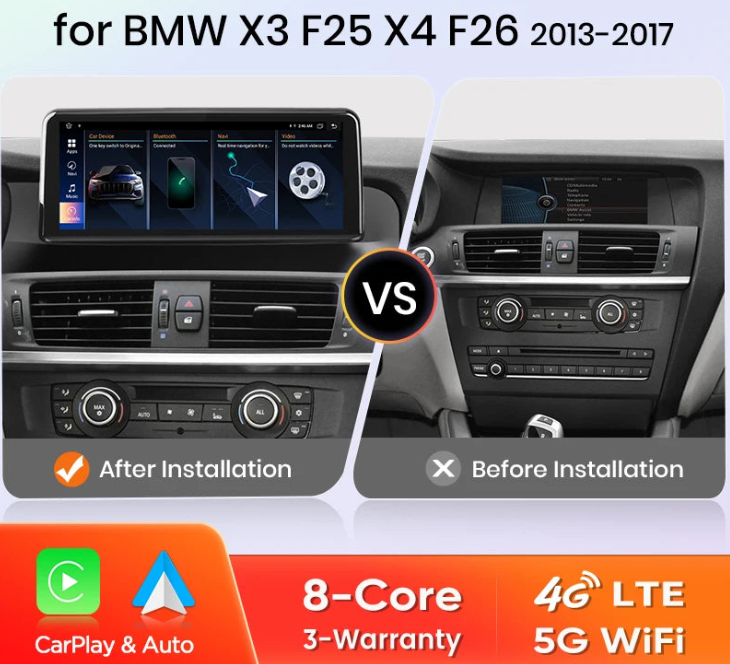
Wireless Carplay/ Android Auto Navigation For BMW X3 F25 X4 F26 2010-2017 CIC NBT
Wireless Carplay/ Android Auto Navigation For BMW X3 F25 X4 F26 2010-2017 CIC NBT
Couldn't load pickup availability
- Compatible BMW Model: X3 (2010–2016)
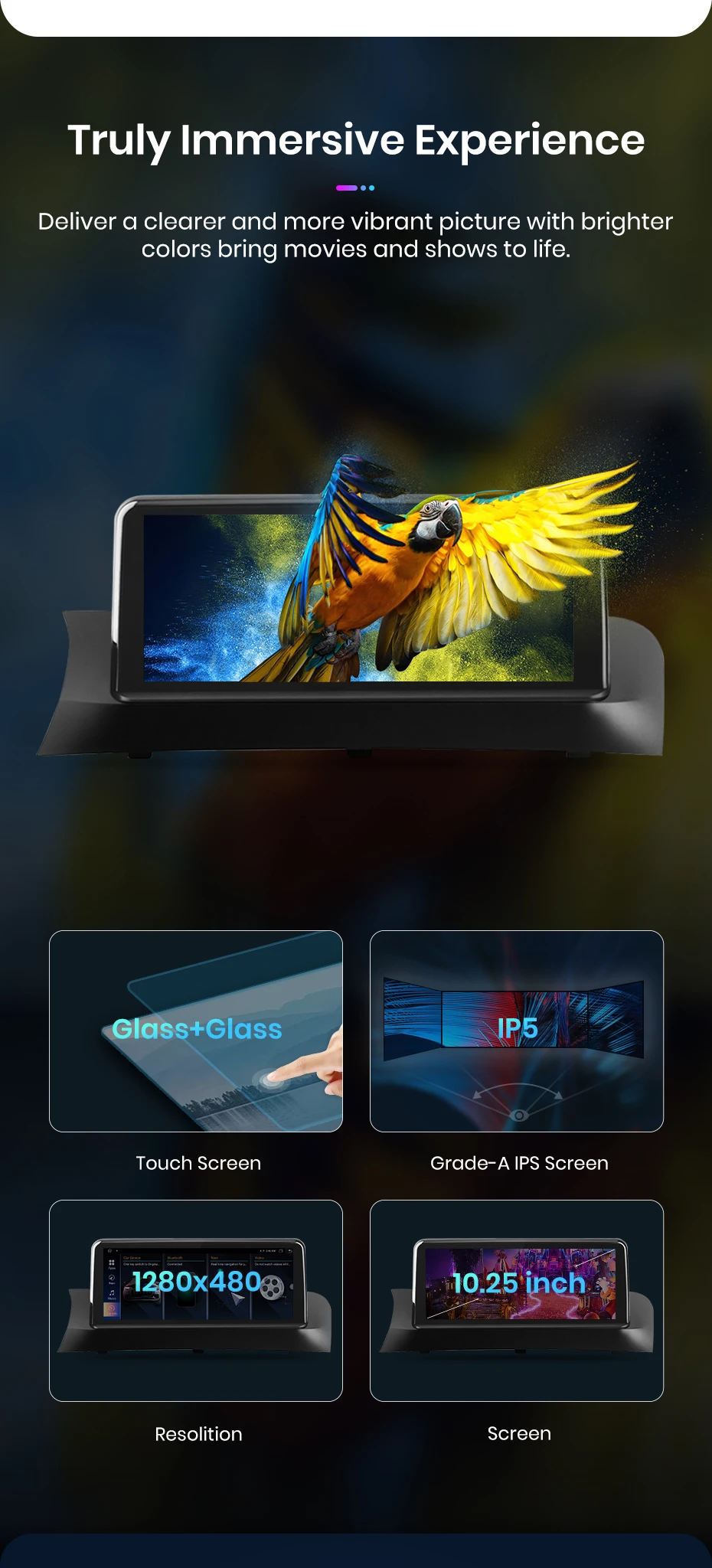
- Display Size: 10.25”
- Max External Memory: 256GB
- MirrorLink: Android/iOS wired & wireless projection
- Navigation: Built-in GPS module with map data
- Operating System: Android
- Output Power: 4 × 45W
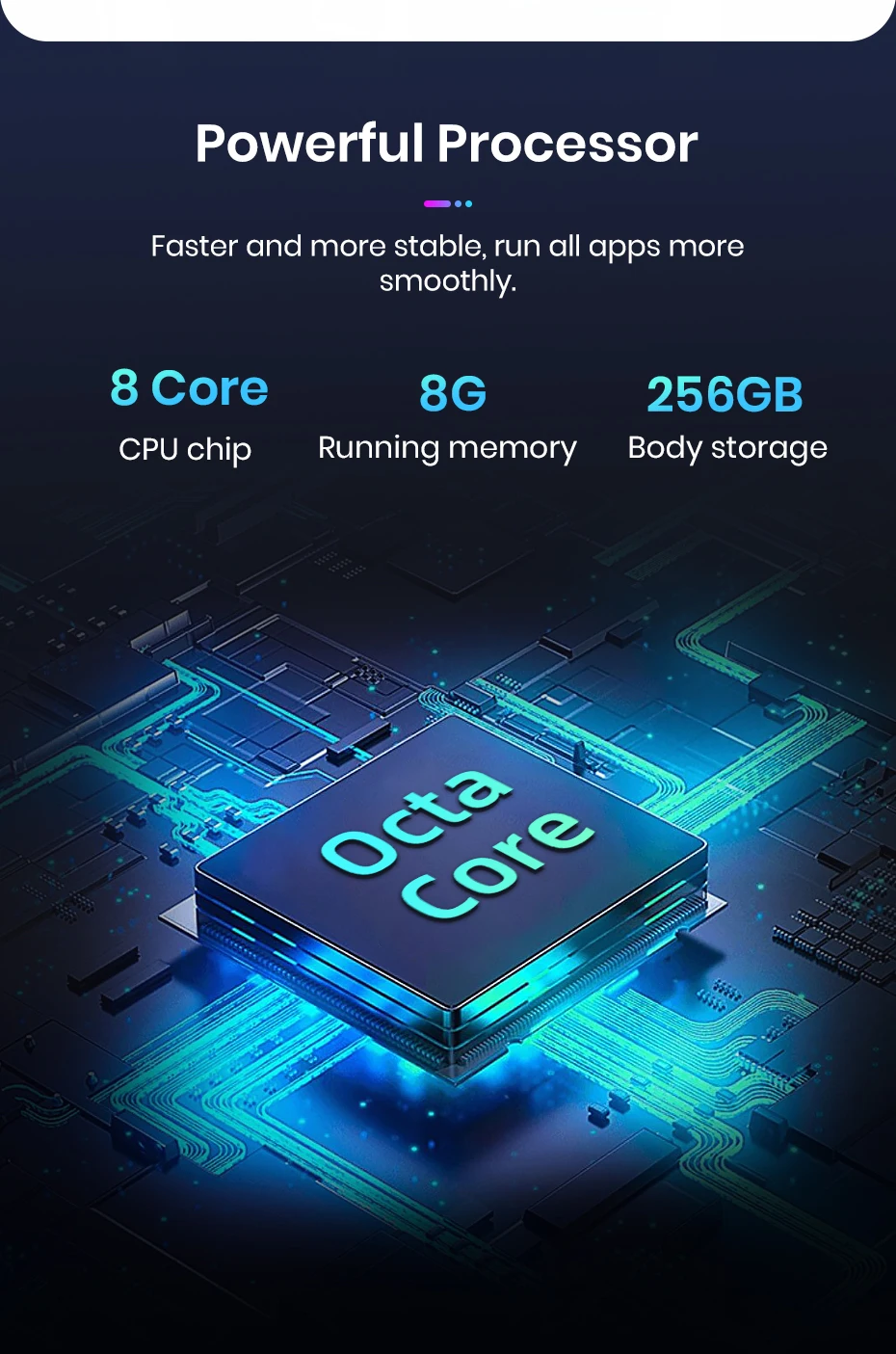
- Processor: 4/8-core, 2.0GHz
- RAM: 2/4/6/8GB (optional)
- ROM: 32/64/128/256GB (optional)
- Resolution: 1920 × 720P
- Special Features: Built-in Speaker/Microphone, WiFi, 3G/4G, Can-Bus, CarPlay/Android Auto, Split Screen, Steering Wheel Control
- Split Screen: Supported
- USB Ports: 2
- Voltage: 12V
For BMW X3 F25 2011 2012 2013 Original CIC System
For BMW X3 F25 2013 2014 2015 2016 2017 Original NBT System
For BMW X4 F26 2014 2015 2016 2017 Original NBT System
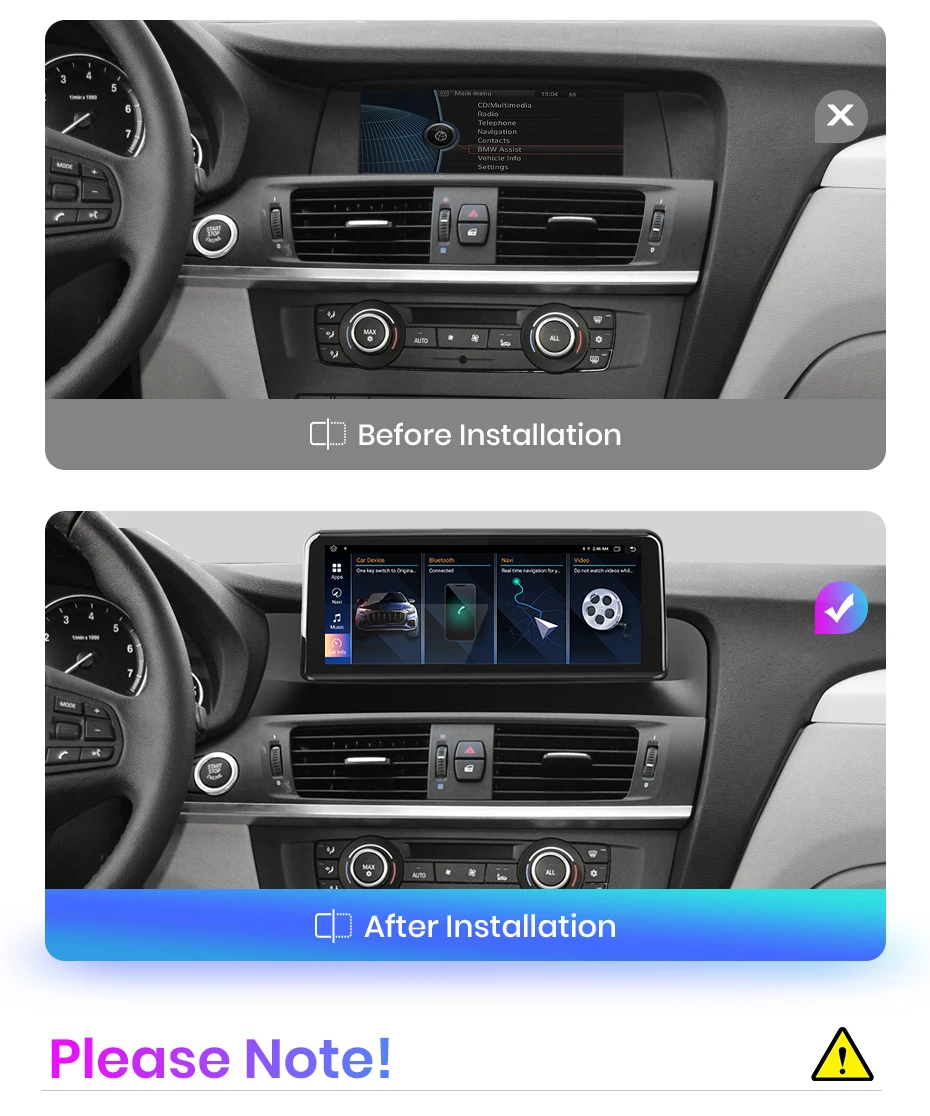
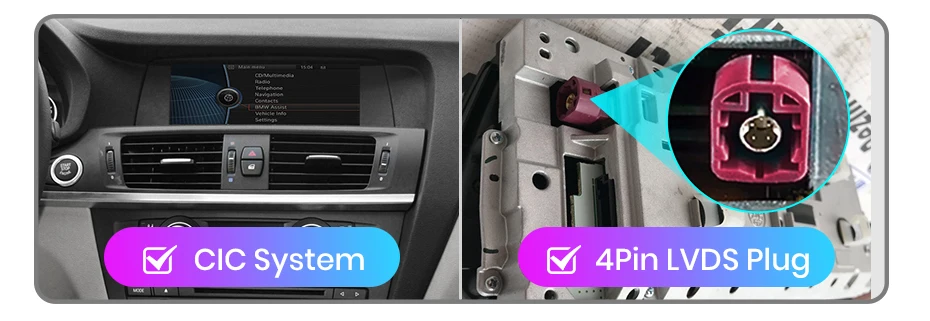
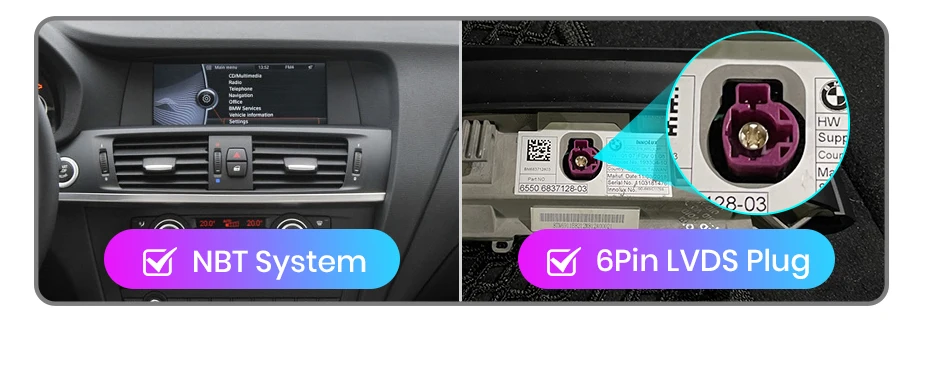
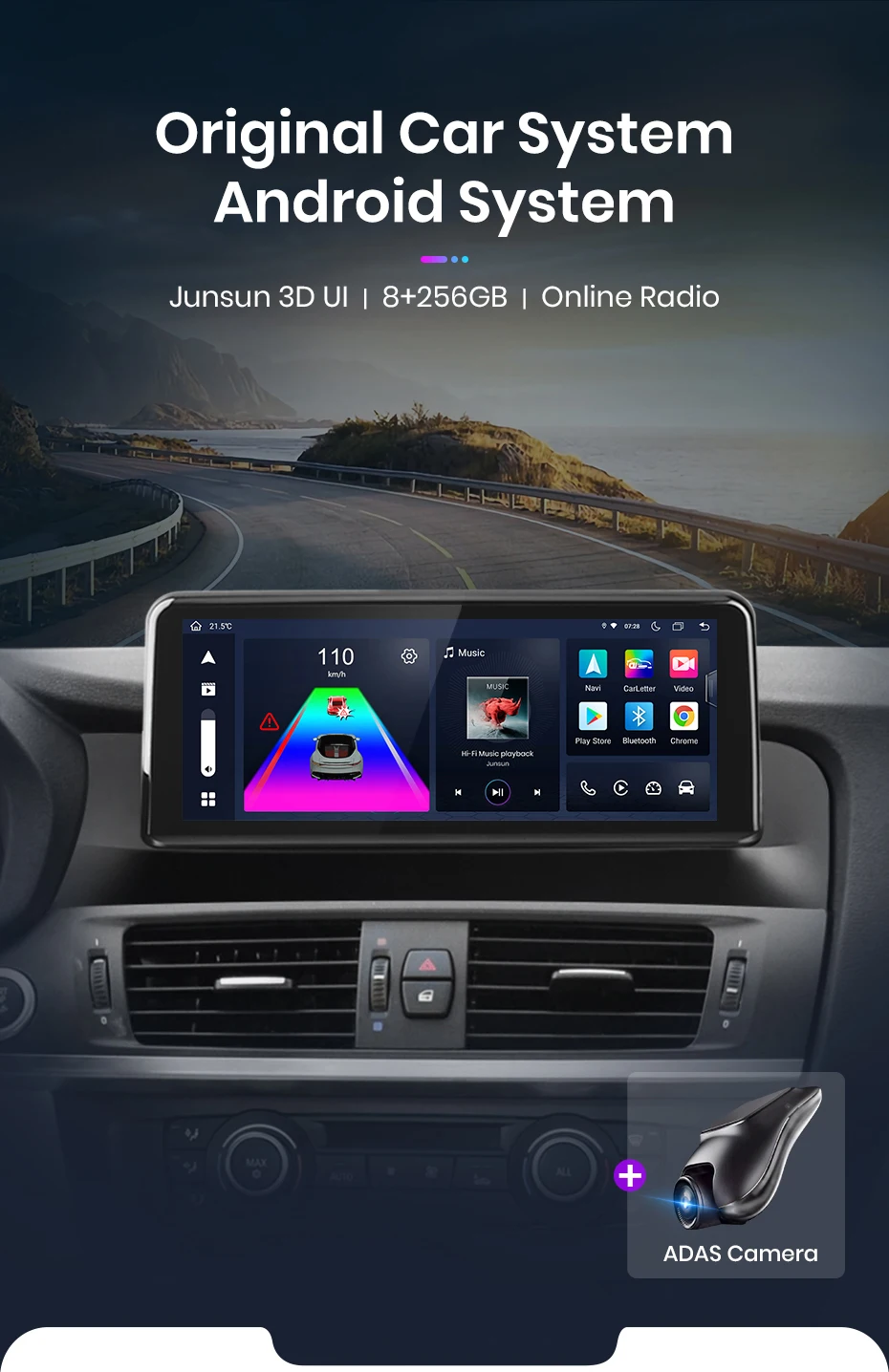
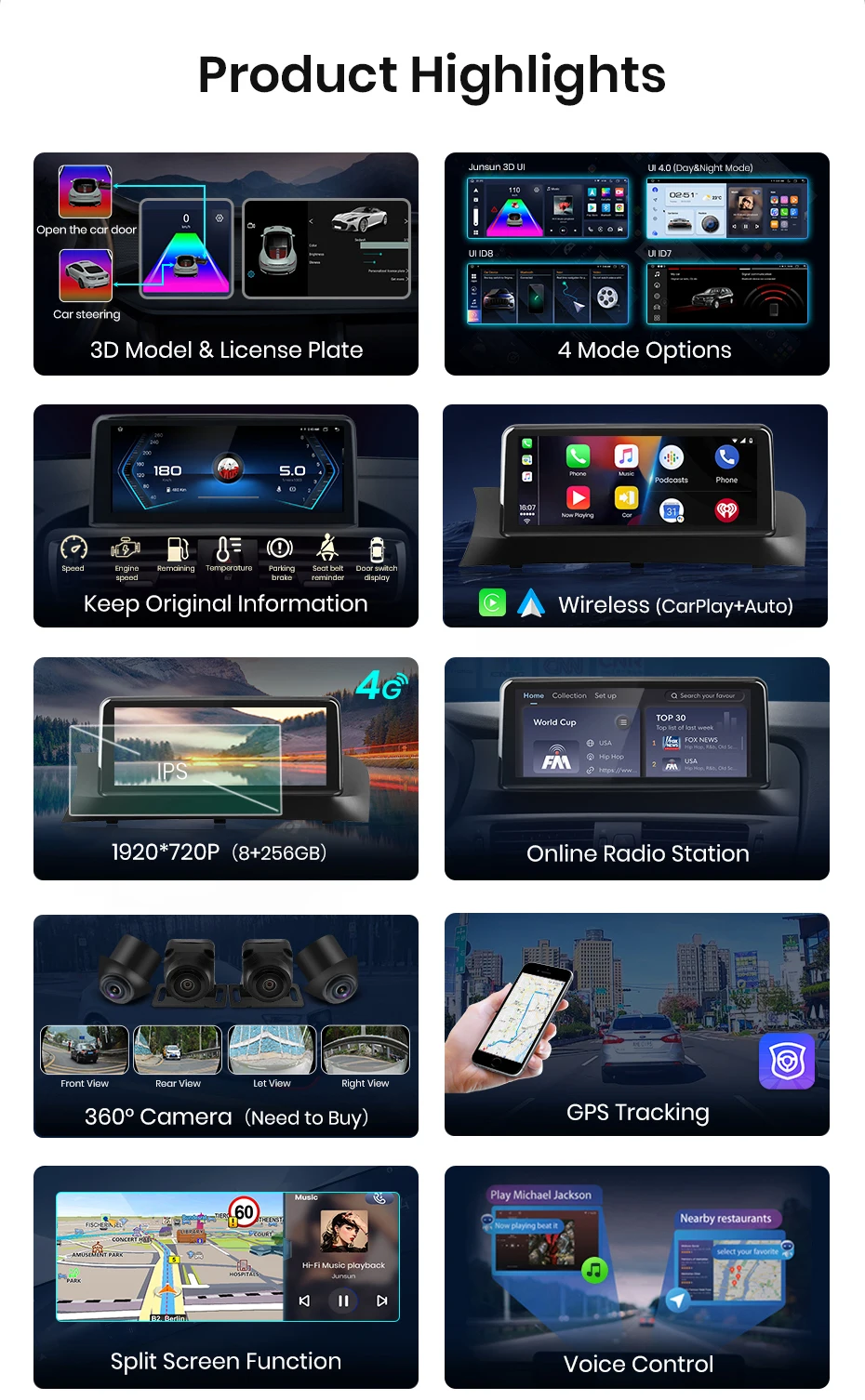
It's designed to minimize distractions so you can keep your focus on the road. Allows the stereo to access the phone and use the app safely while driving, such as setting navigation routes, making calls and listening to music.
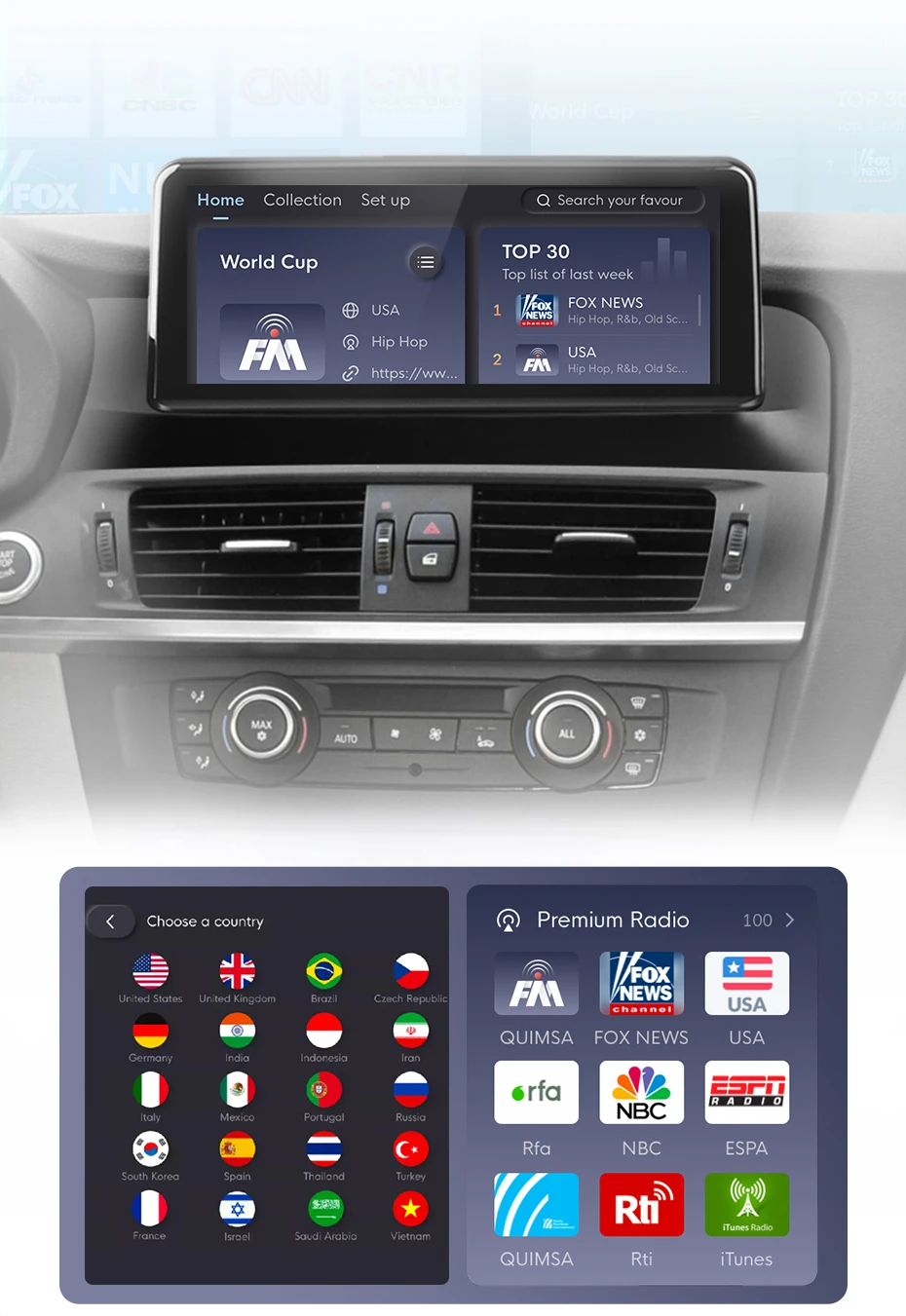
Covering more than 20 countries and regions, with more than 10,000 radio stations available to listen to. TOP30 charts are updated weekly, with smart recommendations for trending content. Bringing together top radio stations from various countries, so you can listen even when you're far away.
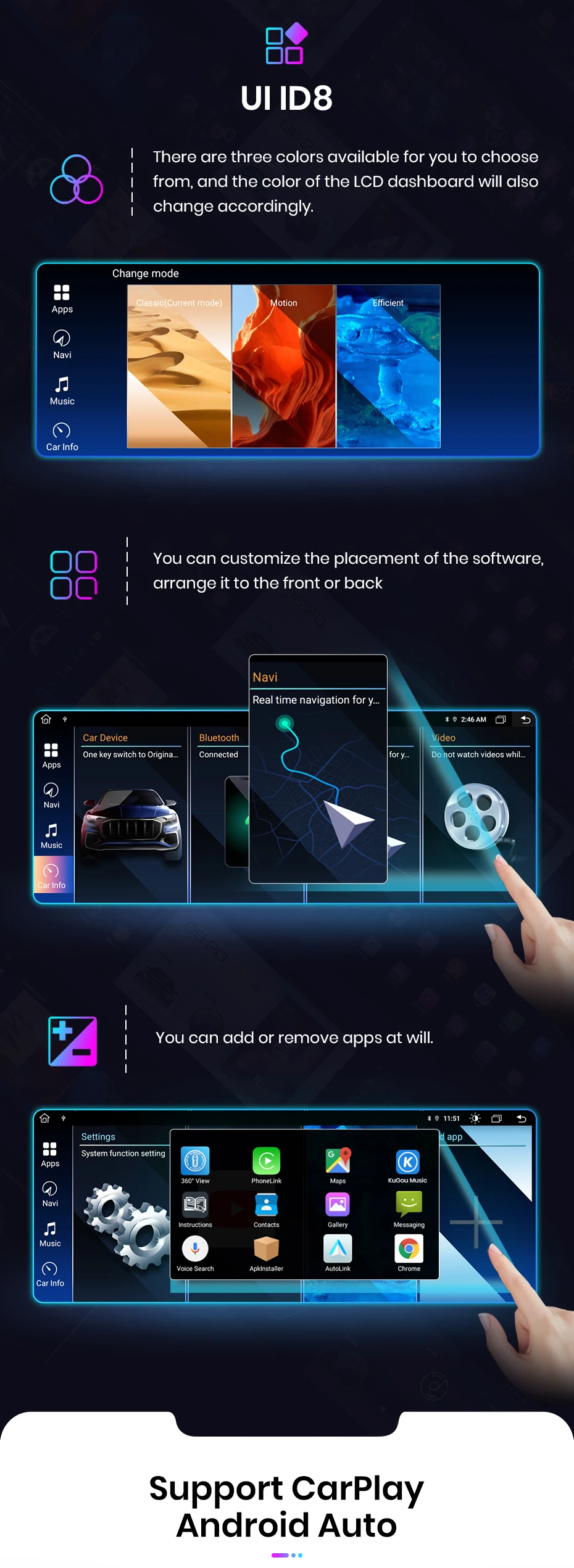
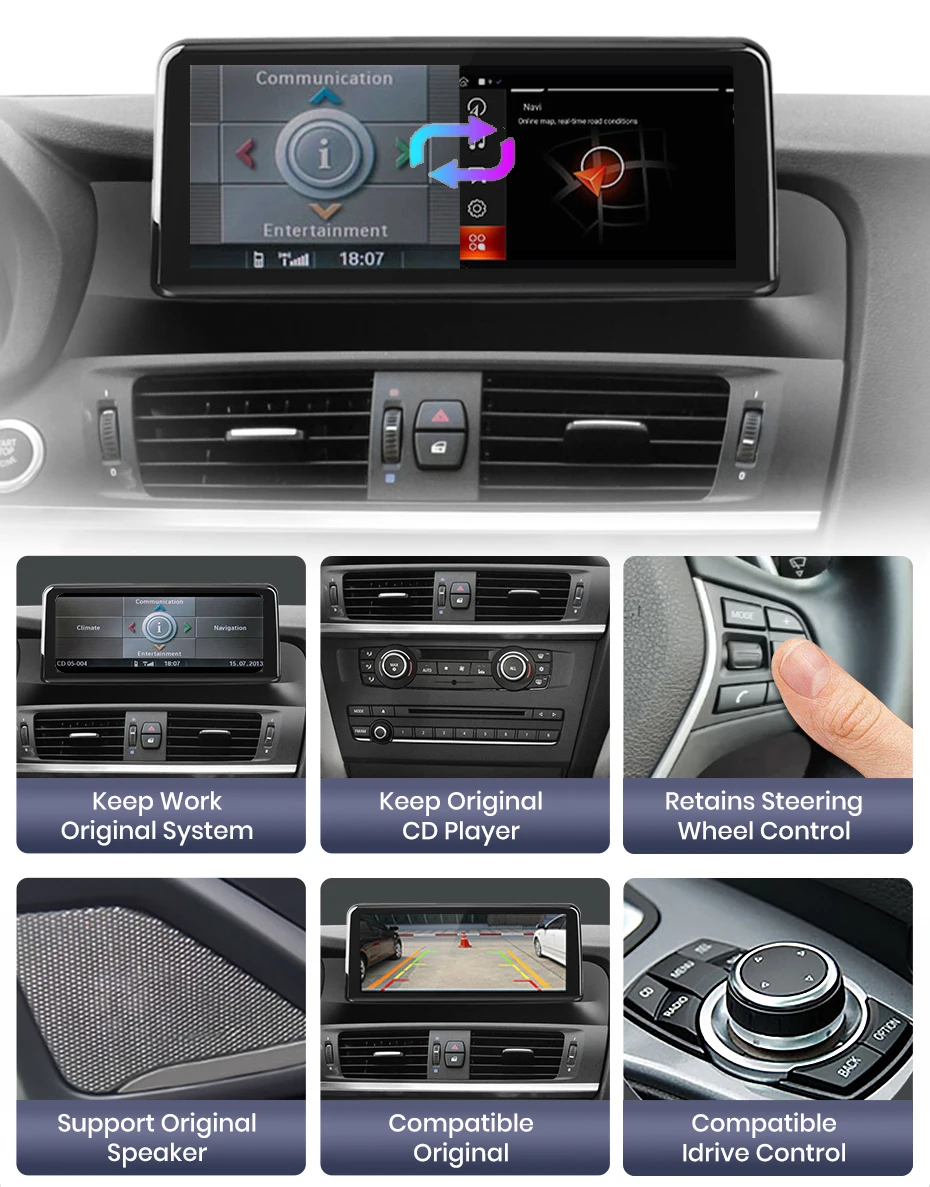
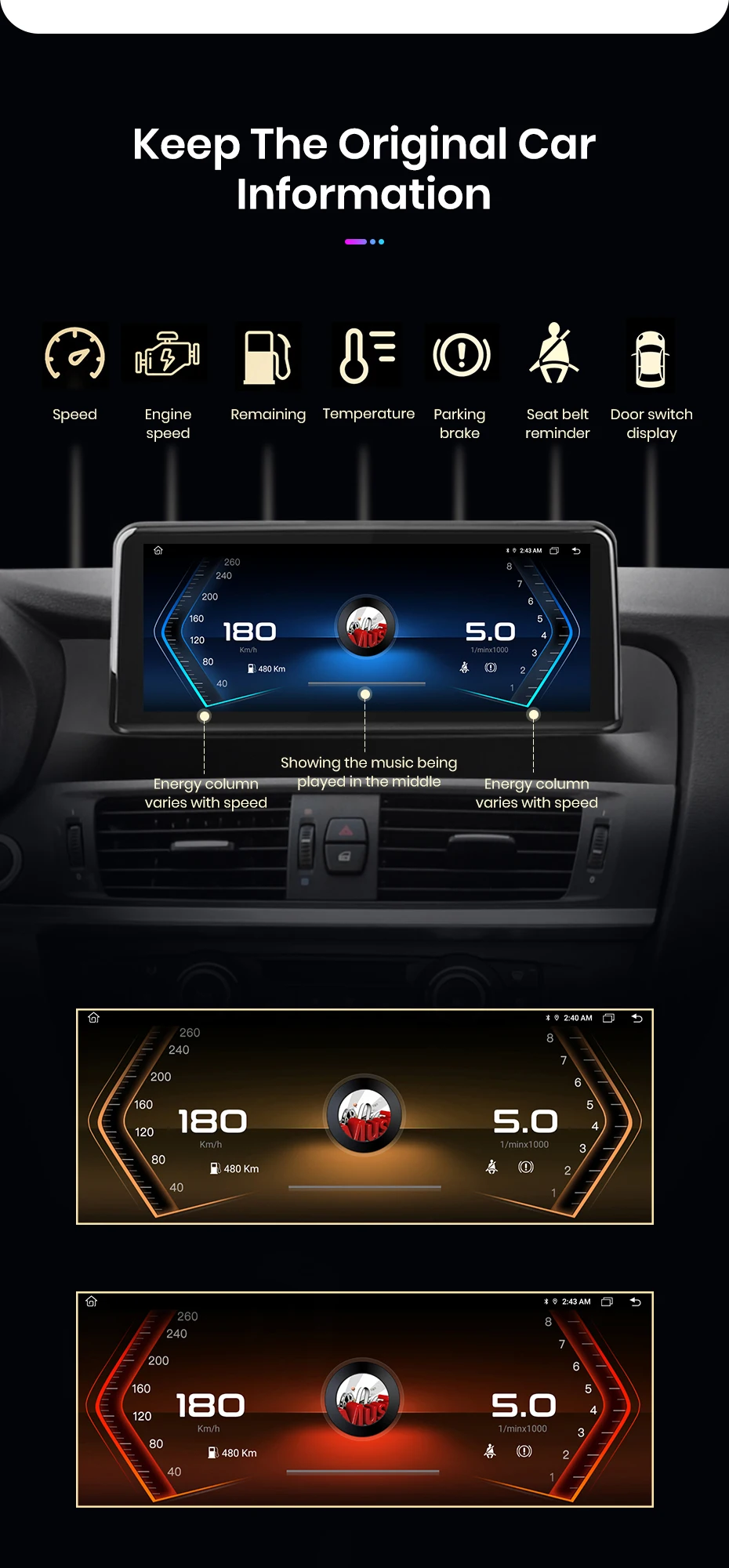
Freely switch between the original car system and Android system, and maintain the functions of the original car.
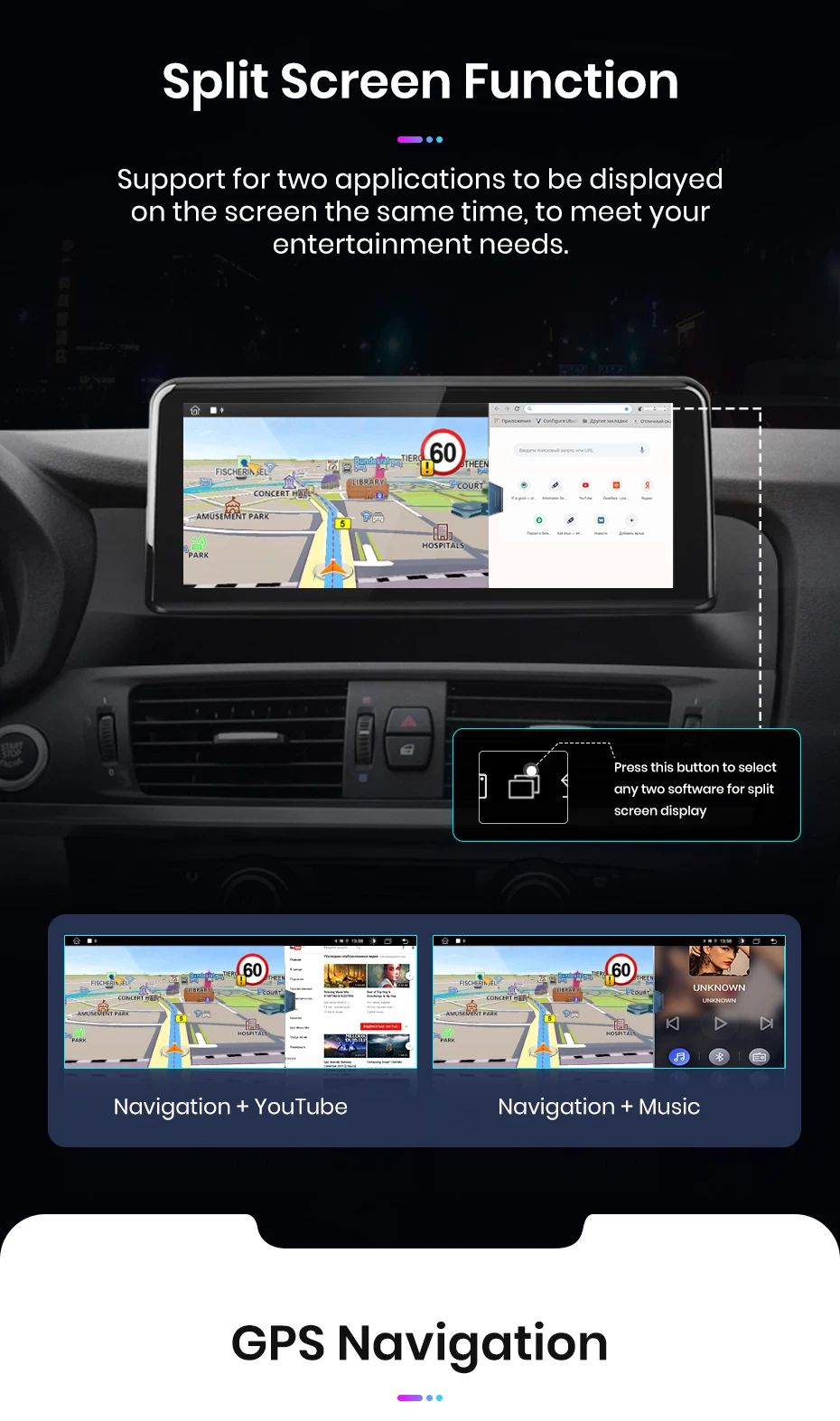
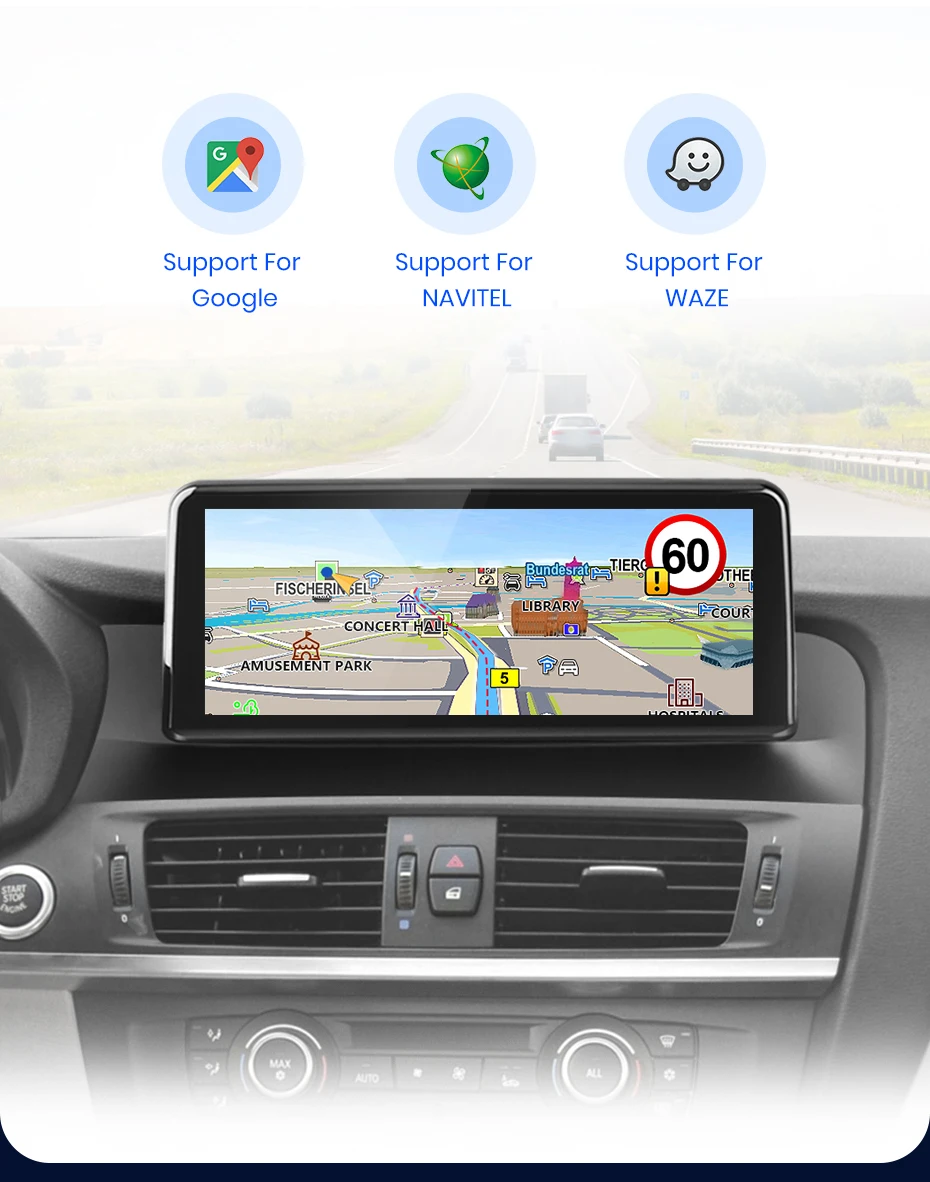
It supports different navigation and map systems, making it easy to obtain the latest road information and accurate directions.
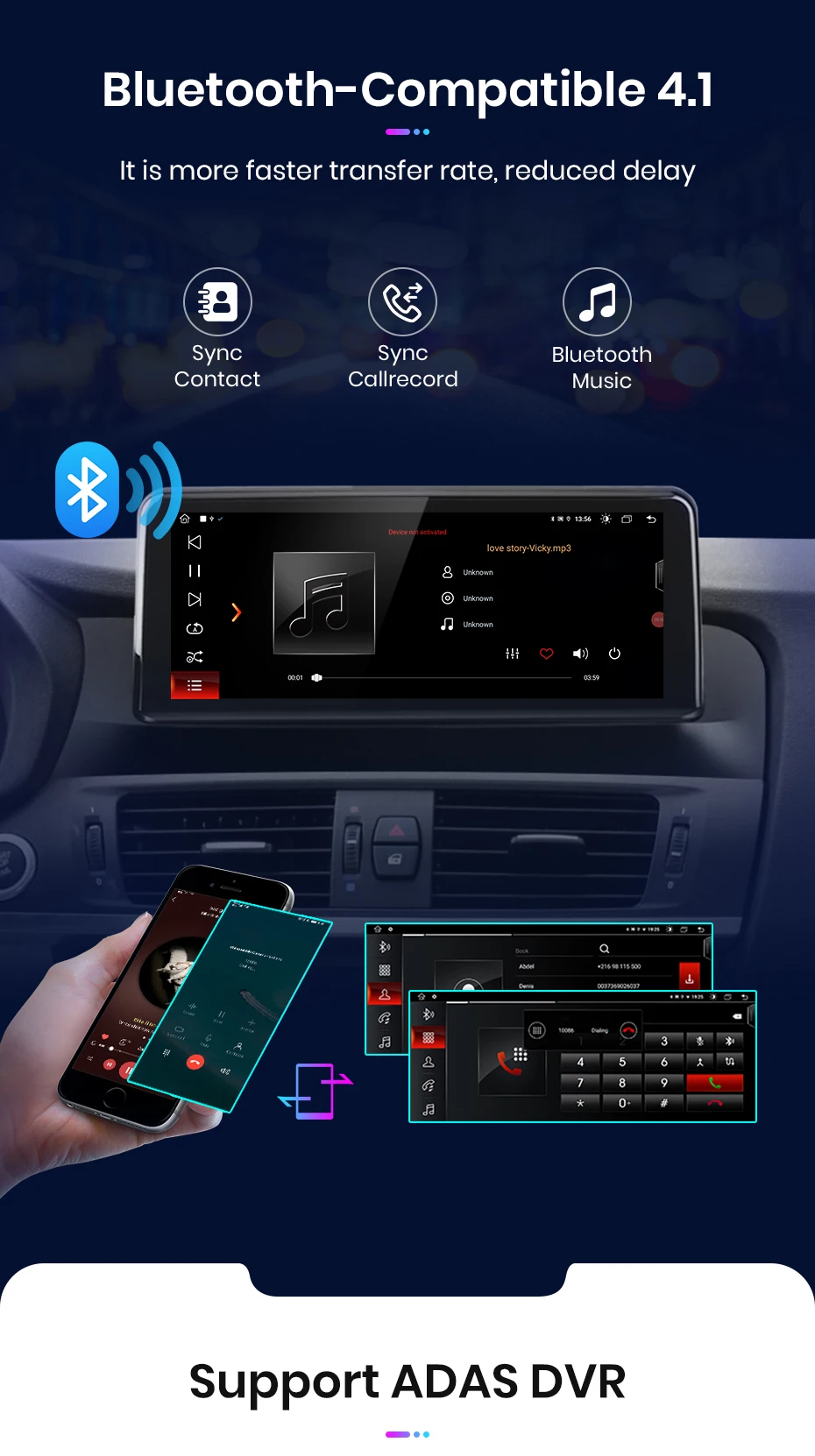
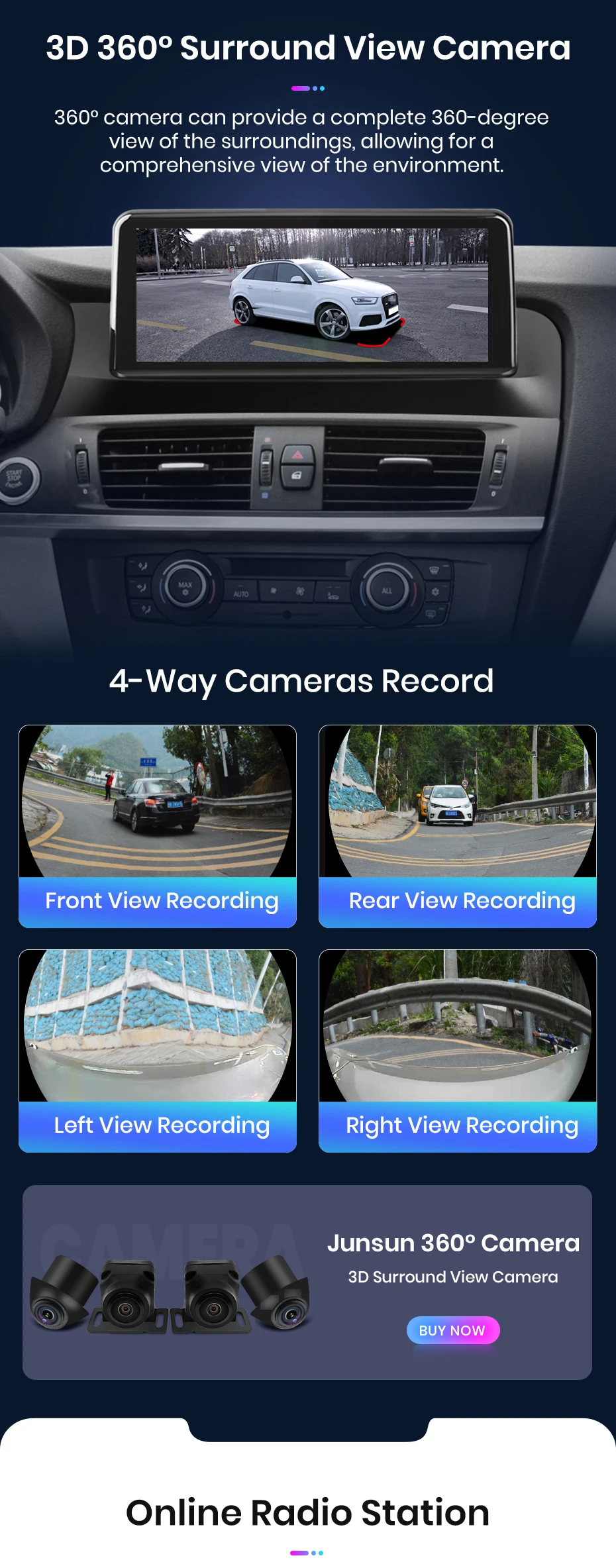
This DVR can capture events that occur while driving. The ADAS function is a useful alarm system to keep your driving safer.


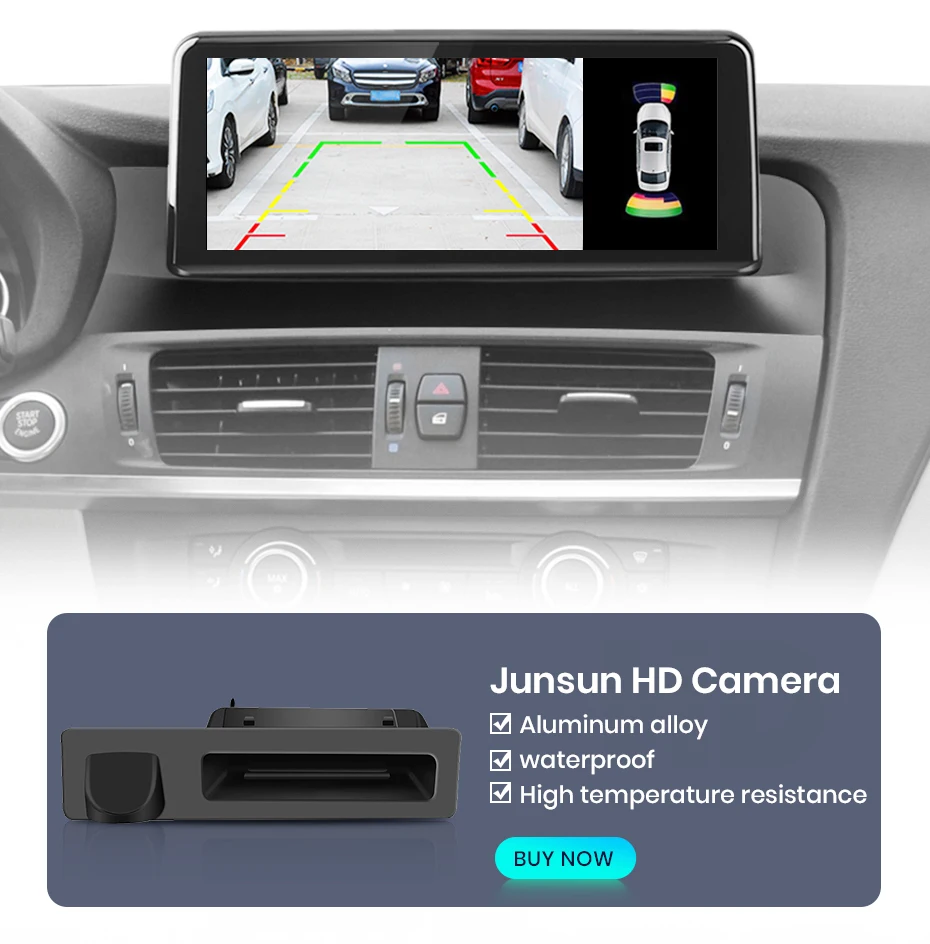
Support original car reversing image, if original car does not have rear camera, you can buy our camera.

Warm and important tips:
1). The device must search for satellites successfully the first time and then update the time,
2). Please understand that system and pre-installed applications will take up some memory; if you install the Russia map, it will take up about 3 GB; if you install the map of Europe, the system will take up about 7 GB;
3). This is the cable location diagram:

1. What should I do if my original car system is not displayed?
Please enter "Model Information" -- "Factory Main Unit Parameter Setting" --- "Original Menu Resolution Setting (Auto)", "Success" will appear, please click "Confirm" " and restart.
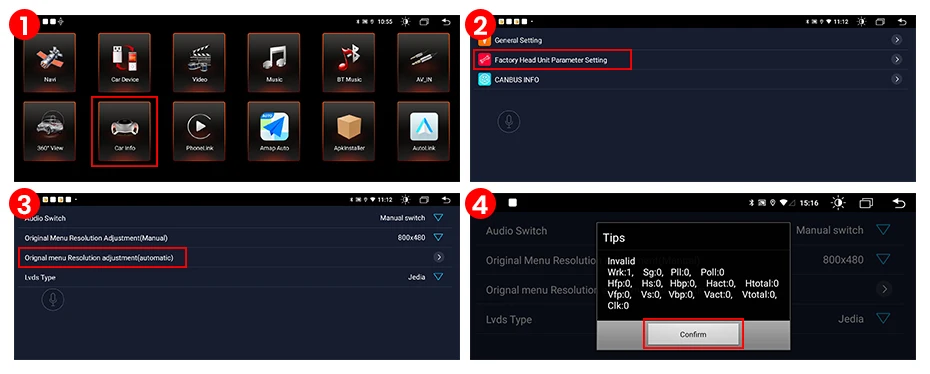
PS: If your car has CCC system, please click the CCC resolution.
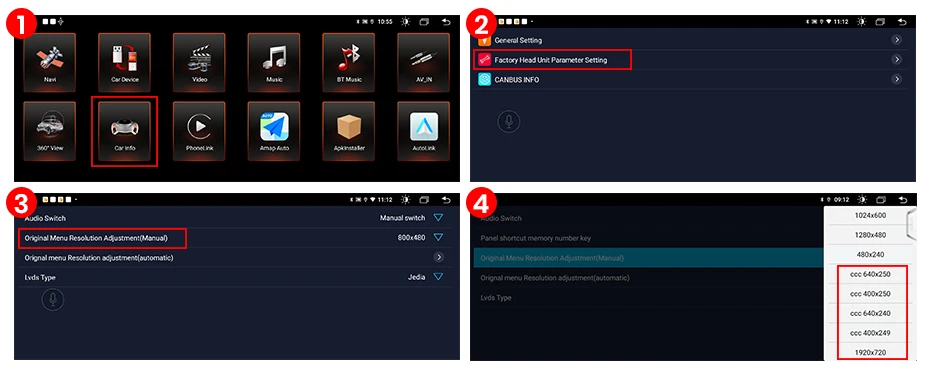
2. No sound in Android system?
Please make sure the original optical cable is properly connected to the car Android power line.
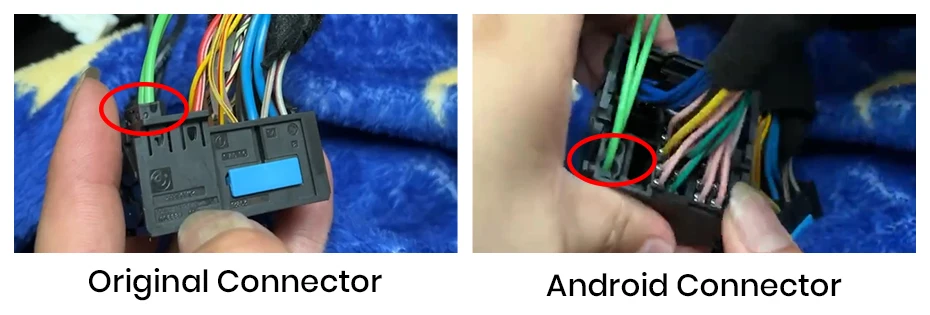
3. Is my iDrive compatible?
iDrive function is reserved, it can still control your original car system and also can control the application program of the first interface of Android system.
4. How to connect the rear camera?
Please connect the red cable of the camera to the brown cable, and the yellow port of the camera to the yellow port. Please do not connect the reverse light wire.
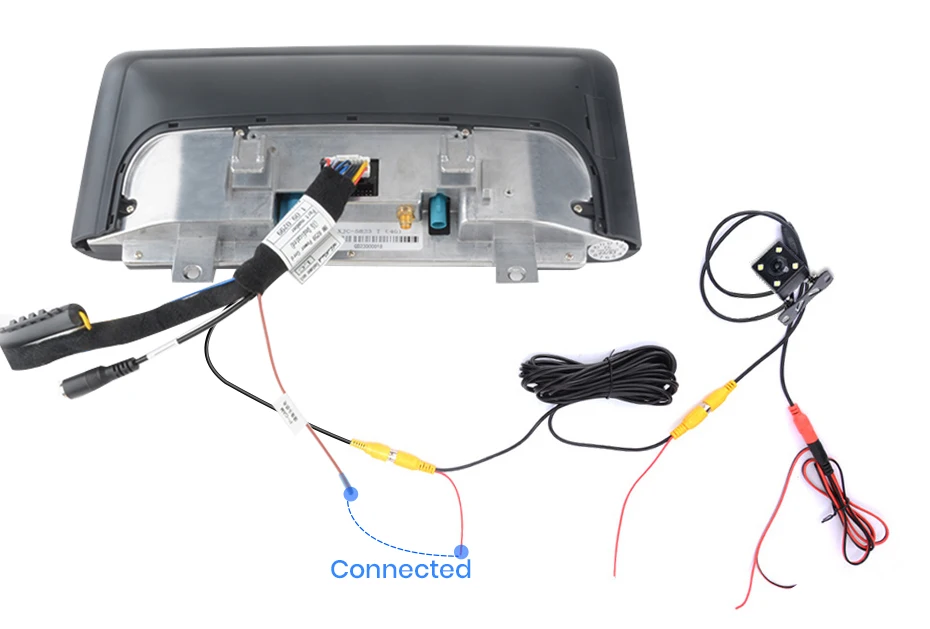
Get it between - and -.



Touchscreen Display
Our Car Navigations feature touchscreen Diplays

Bluetooth 5.0
Enjoy Hands-free connectivity

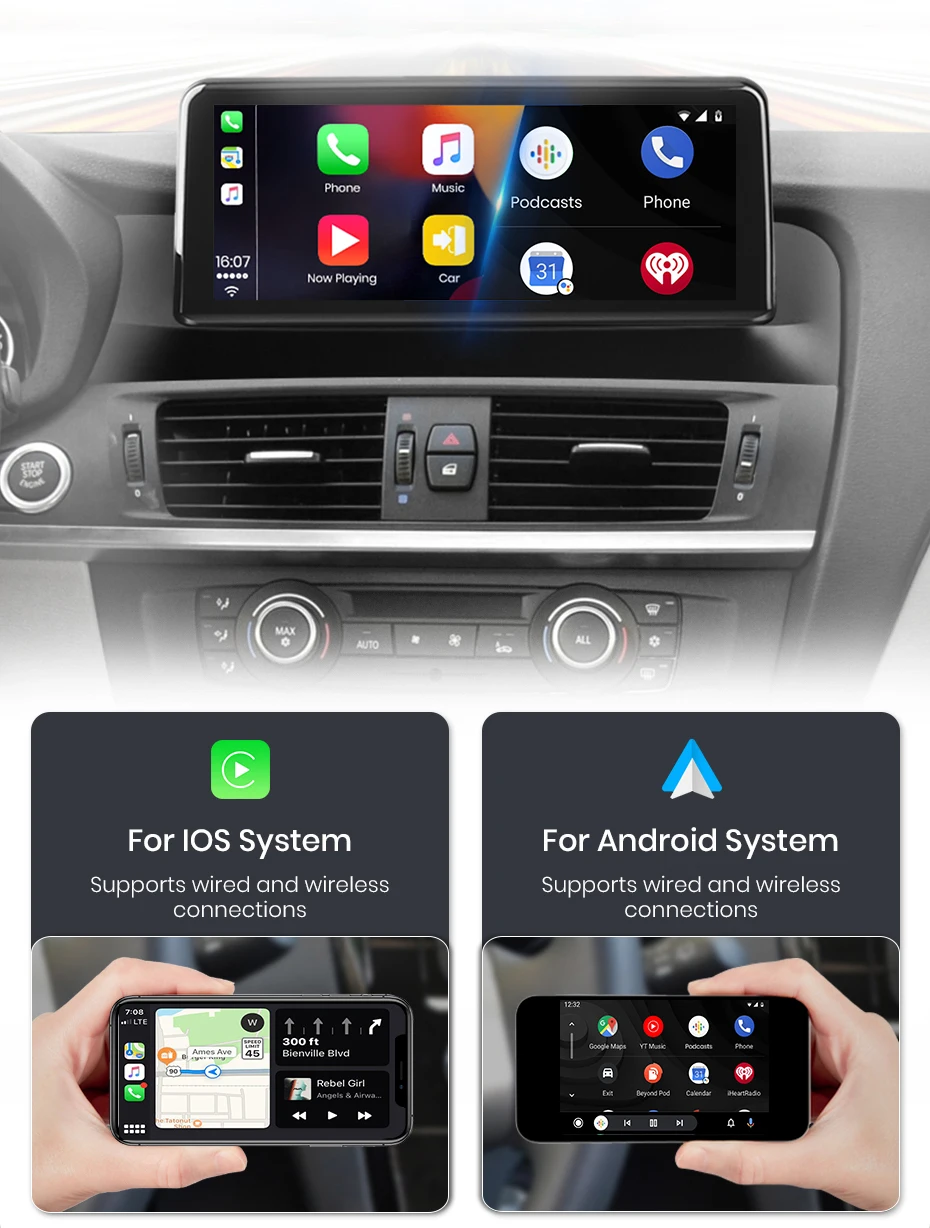
Wireless Carplay
Enjoy Wireless Android Auto and Apple CarPlay

Tested
All our products are tested through specific and rigorous checklists before being put to sell, buy stress free

No battery drainage
Our products do not drain the battery life of your car

Plug & Play
No codding needed. The majority of our products have been developed with one word in mind: OEM. This makes our products easy to install and factory spec.

Integrated Apple Carplay
All our navigations come with Apple Carplay and Android Auto. Experience the future and what should be the standard for today's vehicles. Seamlessly integrate your smartphone with your vehicles infotainment system for hassle-free navigation, app access and communication.